

Download WinScan2PDF – document scanner, scan to pdf, portable scanner, no installation, PDF creator
Overview
WinScan2PDF is a lightweight, portable utility designed for users who need to scan physical documents and convert them into digital PDF files efficiently. The application requires no installation, making it ideal for environments where software deployment is restricted or when users prefer to run tools directly from a USB drive or local folder. It supports any scanner device recognized by the Windows operating system, ensuring broad compatibility with both consumer and professional-grade scanning hardware.
Designed primarily for productivity and document management, WinScan2PDF helps users digitize paper records, receipts, contracts, and other important files without the need for complex software or third-party services. Its core purpose is to simplify the process of scanning and saving documents in a universally accessible format—PDF—while offering basic customization options such as output page size and scan quality. This makes it especially valuable for remote workers, small business owners, students, and administrative staff who frequently handle paper-based workflows.
The developer did not provide additional technical details or background information about the company or development team. However, the app’s minimal footprint and focus on core functionality suggest a targeted, user-first design philosophy. In the broader context of digital document management tools, WinScan2PDF fills a niche for users seeking a straightforward, secure, and fast solution for scanning and archiving documents directly on Windows PCs.
Key Features & Functionality
- Portable Operation: No installation required—users can run the app directly from a USB drive or local directory, ideal for temporary or shared workstations.
- Scanner Integration: Works with any scanner recognized by Windows, allowing seamless use across a wide range of hardware brands and models.
- PDF Output: Automatically saves scanned pages as PDF files, preserving document structure and enabling easy sharing, storage, and printing.
- Customizable Scan Quality: Users can adjust scan resolution and clarity settings to balance file size and image fidelity.
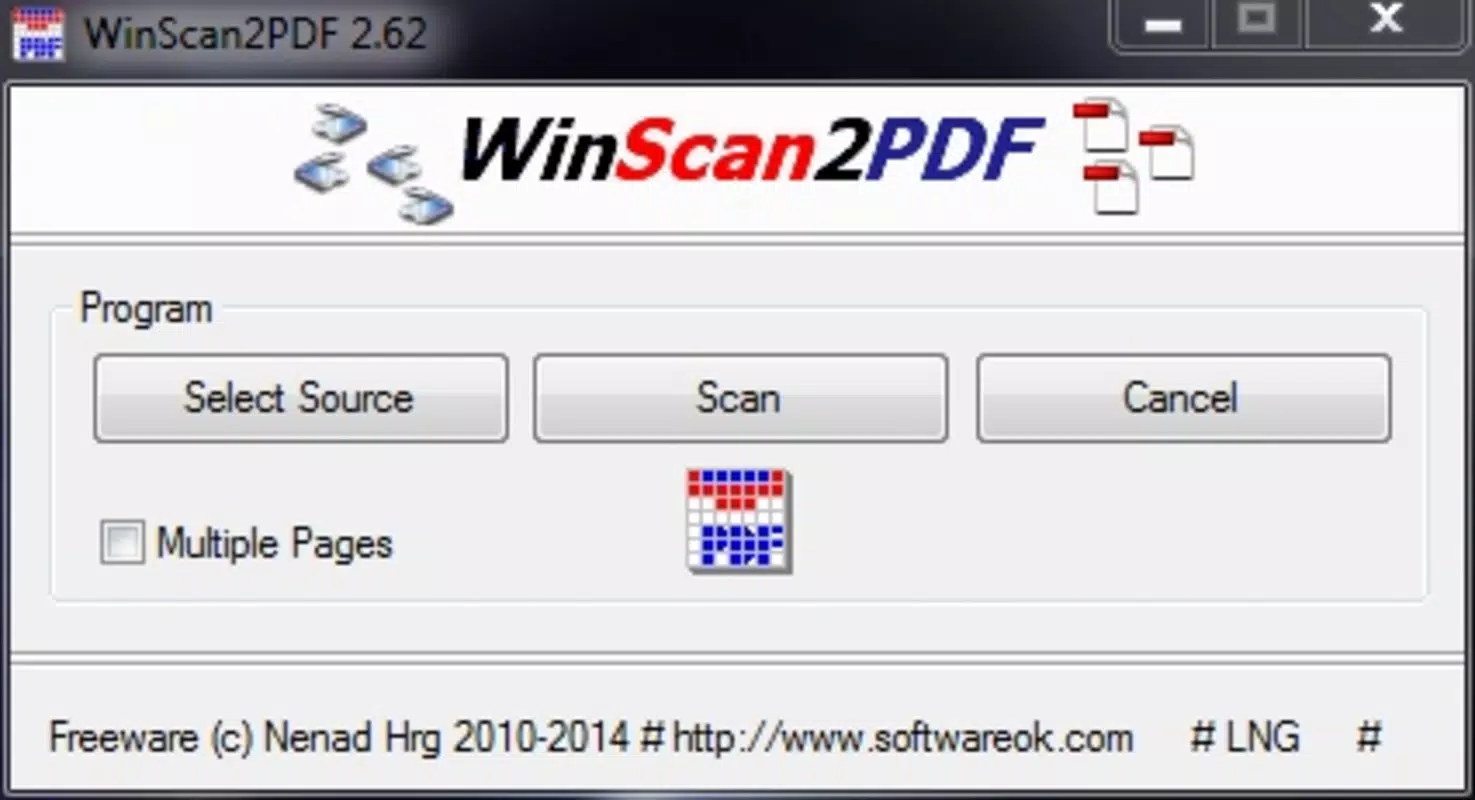
- Multi-Page Document Creation: Supports the scanning of multiple pages into a single PDF, streamlining the digitization of longer documents.
- Page Size Configuration: Allows selection of output page dimensions (e.g., A4, Letter), ensuring proper formatting for different use cases.
For example, a student can use WinScan2PDF to scan handwritten notes from a notebook into a single PDF file for digital study. A small business owner might use it to digitize invoices and contracts, storing them securely on a local drive. The app’s simplicity ensures that even users with limited technical experience can perform these tasks efficiently. The absence of complex menus or setup steps enhances usability, particularly in time-sensitive scenarios.
Interface, UX & Performance
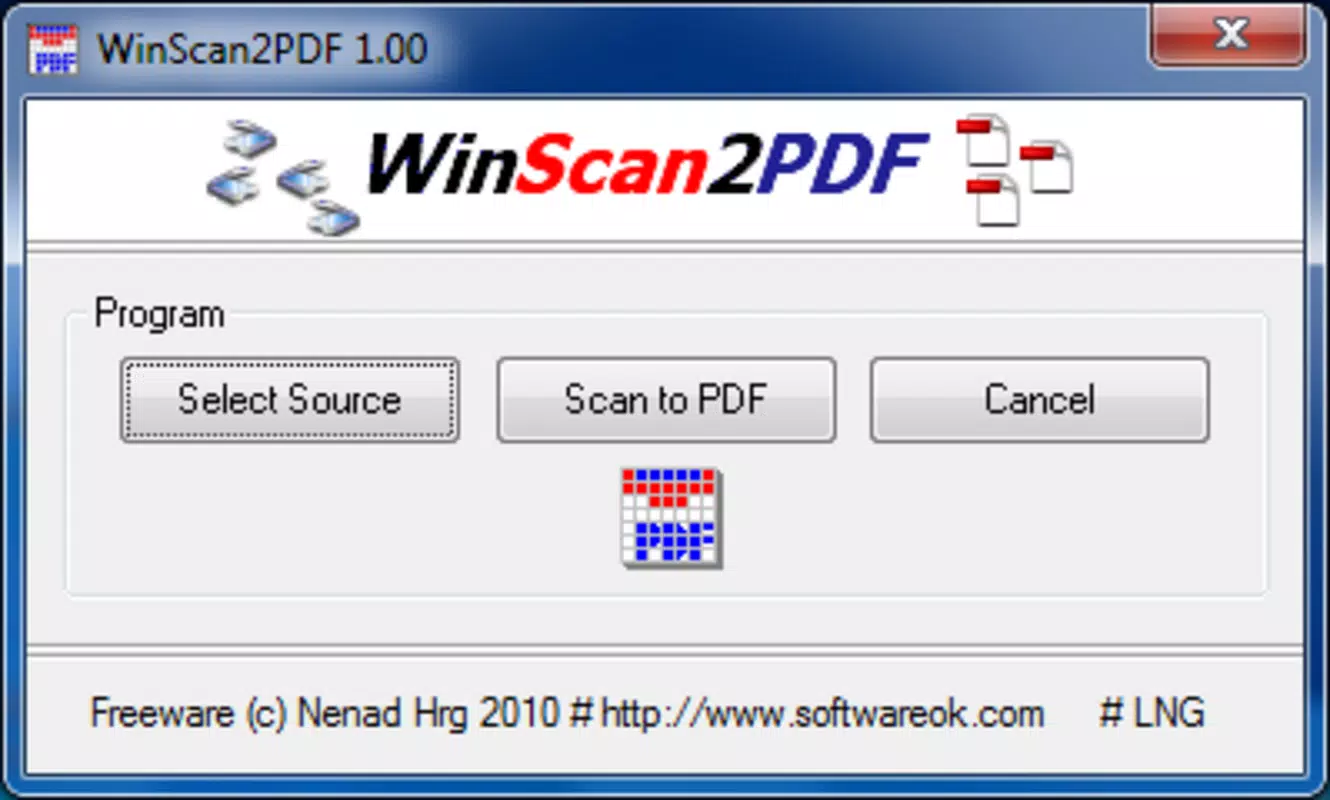
WinScan2PDF features a minimalistic interface focused on essential scanning functions. The layout is straightforward, with clearly labeled buttons for initiating scans, adjusting settings, and saving files. Navigation is intuitive, requiring minimal learning time. The application avoids clutter by limiting options to only those directly related to scanning and PDF output.
Although the developer did not list formal performance metrics, the app’s small file size of 3.1 MB suggests efficient resource usage. It is expected to load quickly and operate smoothly on a range of Windows devices, including older systems with limited processing power. The app maintains responsiveness during scanning operations, with minimal lag between page captures and file generation.
Stability appears to be a priority, as the application runs without requiring additional drivers or background services. Users can expect consistent behavior across multiple scan sessions. However, specific requirements were not listed, and compatibility with different Windows versions was not fully disclosed. Despite this, the app’s portability and low system impact make it suitable for use on laptops, desktops, and shared workstations.
Platform Compatibility & Technical Requirements
WinScan2PDF is designed exclusively for the Windows platform. It runs on any Windows system that supports standard scanning drivers and has access to a connected scanner device. The application is distributed as a single executable file with a size of 3.1 MB, making it easy to transfer and deploy across devices.
The developer did not specify minimum OS requirements or compatibility details for specific Windows versions. Users should ensure their system has the necessary scanner drivers installed and that the device is properly recognized by Windows. No additional software dependencies were reported. The app does not require administrative privileges to run, which enhances its usability in restricted environments.
Pros and Cons
Pros
- Portable—no installation needed, ideal for USB use or temporary setups.
- Lightweight—only 3.1 MB in size, minimal impact on system resources.
- Free to use—no cost for full functionality.
- Supports multi-page PDF creation for efficient document archiving.
- Direct integration with any Windows scanner, no extra software required.
- Simple, clean interface suitable for users of all technical levels.
Cons
- Platform limited to Windows—no support for macOS, iOS, or Android.
- Specific OS version requirements were not disclosed.
- No built-in OCR (text recognition) for searchable PDFs.
- Basic customization options—lacks advanced editing or metadata features.
- Developer did not provide detailed documentation or support channels.
FAQ
Is WinScan2PDF safe to download and use?
Yes, the application is free and does not require installation. It is distributed as a single executable file and does not include malware or unwanted software. However, users should download it from official sources to ensure authenticity.
Can I use WinScan2PDF on multiple computers?
Yes, because it is portable and does not require installation, you can run it from a USB drive or local folder on any Windows PC with a compatible scanner.
Does WinScan2PDF support OCR (text recognition)?
No, the app does not include OCR functionality. Scanned documents are saved as image-based PDFs, meaning text cannot be searched or copied directly from the file.
What file format does WinScan2PDF save scans in?
Scanned documents are saved in PDF format, which is widely supported and ideal for sharing, printing, and archiving.
Is WinScan2PDF updated regularly?
While the current version is 2.0.3, the developer did not provide information about update frequency or future development plans.
Final Thoughts
WinScan2PDF delivers a focused, reliable solution for users who need to convert physical documents into digital PDFs quickly and securely. Its portability, minimal system requirements, and zero cost make it an excellent choice for anyone managing paper-based workflows on Windows. While it lacks advanced features like OCR or cross-platform support, its simplicity and efficiency are strengths in environments where speed and ease of use are paramount.
Individuals in education, small businesses, and administrative roles will benefit most from this tool. It eliminates the need for bulky software suites or cloud-based services, offering a direct, offline method for document digitization. For those seeking a no-frills, secure, and free way to scan documents to PDF, WinScan2PDF is a practical and effective utility.
Download WinScan2PDF now


